Is a Cable Like Wi-Fi? Comparing Wired and Wireless Internet Honestly
The short answer is no, but the comparison is more interesting than a flat denial. A network cable and a Wi-Fi link both move the same data, often between the same devices, on the same internet. From the user’s perspective, opening a web page or streaming a movie looks identical whether you are on a wired connection or a wireless one. Underneath, though, the two technologies work in fundamentally different ways, and the differences show up in speed, reliability, security, latency, and convenience. Choosing between them is a small daily decision worth understanding.
What a Cable Does
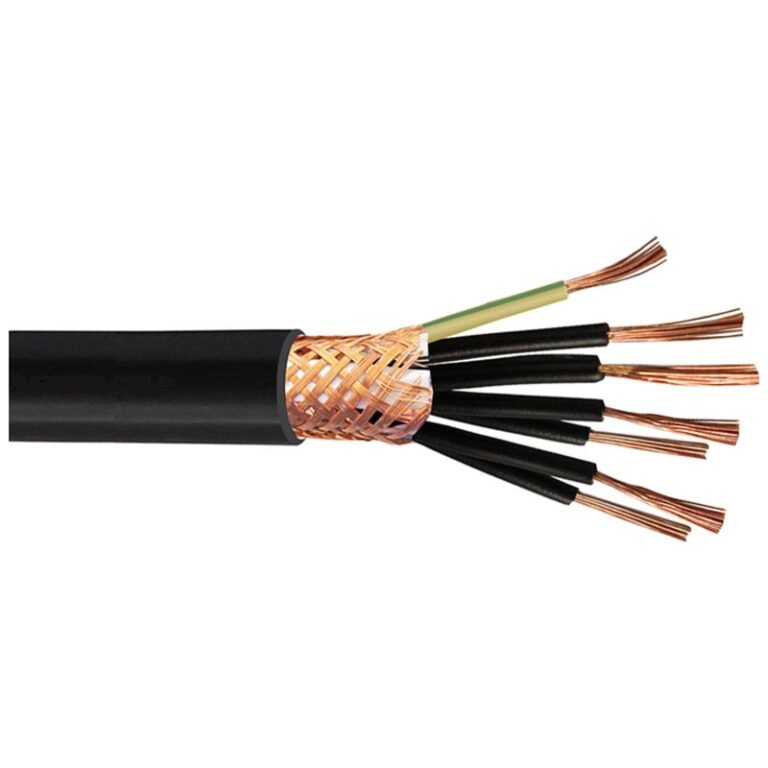
A network cable, typically an Ethernet cable using Cat5e, Cat6, or Cat6a copper twisted pairs, carries an electrical signal from one specific point to another specific point. The cable provides a dedicated, point-to-point connection between the device on one end and the switch, router, or wall jack on the other. The signal is contained within the cable, shielded from outside interference by the twisting of the pairs and (in shielded variants) by an outer foil or braid.
Because the cable is dedicated to a single connection, no one else is sharing the medium. The full bandwidth of the cable, typically 1 gigabit per second on consumer equipment and 10 gigabits per second on professional gear, is available to that connection alone. The cable also offers extremely low and predictable latency, usually under a millisecond between the device and the local router.
What Wi-Fi Does
Wi-Fi sends the same data through the air using radio waves at frequencies of 2.4, 5, and (in the latest standards) 6 gigahertz. A Wi-Fi access point broadcasts and receives radio signals to and from any device within range. Multiple devices share the same radio channels, taking turns transmitting under a polite-but-imperfect protocol called CSMA/CA (Carrier Sense Multiple Access with Collision Avoidance).
The radio waves are not contained. They spread in all directions, pass through some walls, bounce off others, and overlap with the signals from neighboring networks, microwaves, baby monitors, and Bluetooth devices. Every Wi-Fi connection is fighting for airtime against every other transmitter in range, and the actual throughput depends on signal strength, interference, distance, and how many other devices are active at the moment.
Speed in Practice
On paper, modern Wi-Fi looks impressive. Wi-Fi 6 advertises up to 9.6 Gbps; Wi-Fi 7 promises up to 46 Gbps in laboratory conditions. In reality, these numbers are aggregate maximums across all clients, on all radios, under ideal conditions, with the latest hardware on both ends. Real-world Wi-Fi throughput to a single laptop on a typical home network is much lower, often 200 to 800 Mbps even on a strong connection.
A modern gigabit Ethernet cable, by contrast, delivers a sustained 940 Mbps or so all day, every day, to every connected device simultaneously. Plug a laptop into the wall jack and you will see the full bandwidth without negotiation, without fade, and without weather effects.
For most home internet plans, which top out at 1 Gbps from the provider, the difference rarely matters. Both Wi-Fi and Ethernet are fast enough for streaming, video calls, and ordinary browsing. The difference shows up when you are moving large files between local devices, gaming competitively, or running a household full of simultaneous heavy users.
Reliability and Consistency
A cabled connection is essentially immune to interference. As long as the cable is intact and properly terminated, the bits arrive in order, on time, every time. Latency variation (jitter) is minimal. Packet loss is rare. Most cable-connected devices spend their entire lifetimes without a single networking hiccup.
Wi-Fi is statistical by nature. Some packets get through immediately; some have to be retransmitted because of interference, distance, or contention with another device. The protocol handles this automatically, but the result is a connection where latency varies from millisecond to millisecond and occasional brief dropouts are normal. For most applications you do not notice. For real-time voice and video, competitive online games, or large bulk transfers, you notice immediately.
Security
Wired connections require physical access. To eavesdrop on a cable, you have to be in the same building, with hands on the cable or the switch it connects to. The barrier is high enough that most homes and offices treat physical cable access as inherently trusted.
Wi-Fi extends the attack surface to anyone within radio range, which can include neighbors, people in the parking lot, or anyone with a directional antenna. Modern Wi-Fi security (WPA2 and WPA3) encrypts the traffic over the air, which addresses most of the eavesdropping concern, but the threat model is genuinely different. Wi-Fi networks need passwords, periodic security review, and (for guests and IoT devices) network segmentation in a way that cabled networks do not.
Mobility and Convenience
The case for Wi-Fi is mobility. A laptop, phone, tablet, or smart device can roam from room to room and stay connected. Setup is as simple as joining the network and entering a password. No drilling, no cable runs, no wall plates. For most casual users, Wi-Fi’s convenience easily outweighs its technical limitations.
Cable is the opposite trade-off. It demands installation effort up front: drilling through floors and walls, running cables through joist bays, terminating connectors, mounting wall plates. Once installed, the connection is excellent forever, but the cable is fixed in place.
When to Choose Each
Wi-Fi is the right answer for most casual devices: phones, tablets, e-readers, smart speakers, lightweight laptops. The convenience is overwhelming and the performance is good enough.
Cable wins for stationary devices that need maximum performance or reliability: a gaming PC, a home server, a 4K streaming box, an office workstation, a security NVR, a printer used heavily. The performance gap is large and the convenience cost is one-time only.
A common modern compromise is to run cable to the rooms that need it most (an office, a media room, the location of the main TV) and rely on Wi-Fi for everything else. This hybrid approach gives you both worlds without forcing either compromise.
What Cable Definitely Is Not
Cable is not “like Wi-Fi minus the wireless part.” The two technologies have different bandwidth profiles, different latency characteristics, different security models, and different installation costs. Choosing one over the other is not a question of preference; it is a question of matching the technology to the use case.
For the parts of your network that move heavy traffic, that need predictable performance, or that benefit from physical security, cable is the answer. For the parts that need to be portable, accessible to many devices, or quick to set up, Wi-Fi is the answer. Both belong in a well-designed network, and both are likely to remain essential parts of the internet’s last mile for the foreseeable future.