What Are the 10 Types of Cable? A Reference Guide for Every Common Cable
If you can identify ten cable types on sight, you can hold your own in almost any conversation about wiring, networking, or home electronics. These ten cover the cables that run through houses, offices, data centers, and the equipment in everyday use. They are listed roughly in the order most people encounter them, starting with power and ending with the high-end data cables that move modern information around.
1. NM-B (Romex) Sheathed Cable
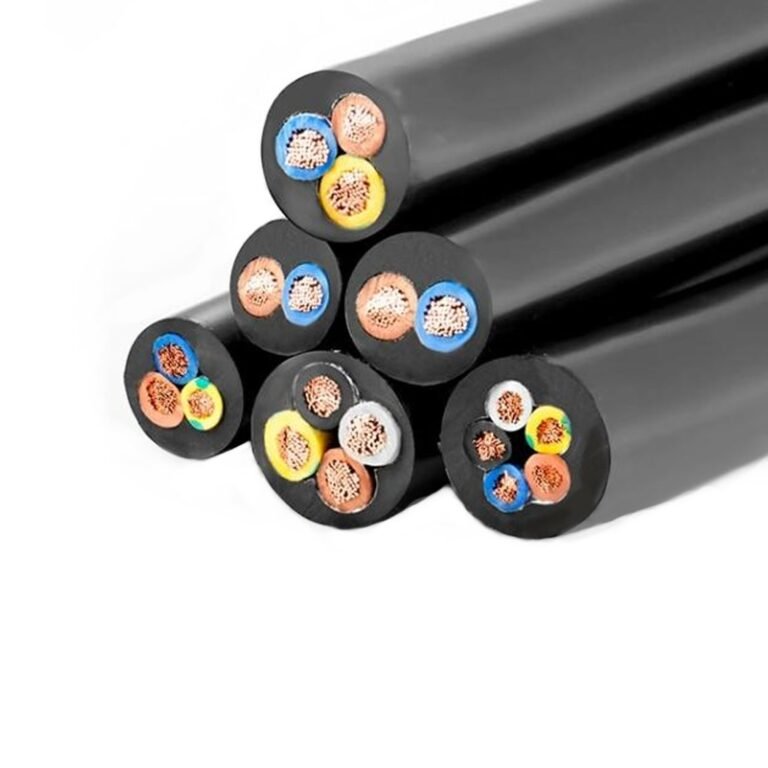
NM-B is the flat plastic-jacketed cable threaded through the stud bays of nearly every modern wood-frame house in North America. It contains two or three insulated copper conductors plus a bare copper ground, all wrapped in a thermoplastic sheath. Sizes from 14 AWG to 2 AWG cover circuits from 15 amps up to about 100 amps. NM-B is intended for indoor dry locations only.
2. UF-B Underground Feeder Cable
UF-B looks similar to NM-B but its conductors are embedded in a solid plastic block that survives direct burial. You will see it feeding detached garages, outdoor lights, well pumps, and yard outlets. It is also approved for wet locations indoors where NM-B is not allowed.
3. Service Entrance Cable (SER/SEU)
Service entrance cable connects the utility’s overhead or underground service drop to the meter and main panel. SER has insulated neutral; SEU has bare concentric neutral wrapped around the insulated hots. Both come in large sizes, 6 AWG and up, and are often used inside the building to feed subpanels and major loads like electric ranges and large air conditioners.
4. Armored Cable (AC/MC)
Armored cable wraps its insulated conductors inside a flexible spiral metal armor. The older AC variant (commonly called BX) uses the armor itself as the equipment ground. The newer MC (metal-clad) variant includes a separate green grounding conductor inside the armor. MC cable is widely used in commercial construction because it installs faster than conduit while still providing physical protection.
5. Coaxial Cable
Coax has a single center conductor surrounded by a foamed dielectric, a tubular shield, and a jacket. The geometry gives it a controlled characteristic impedance, typically 75 ohms for video and broadband or 50 ohms for radio. RG-6 is the modern residential standard for cable television, satellite, and broadband internet to the modem. RG-11 covers longer runs. RG-59 lingers in older security camera installations.
6. Twisted-Pair Ethernet Cable
Ethernet cable is the workhorse of computer networking. Each cable contains four twisted pairs of copper conductors. Category 5e supports 1 Gbps over 100 meters and remains common in older installations. Category 6 and 6a handle 10 Gbps over the same distance and have become the standard for new construction. Category 8 reaches 40 Gbps but only over short data-center distances. Most Ethernet cable is unshielded (UTP), with shielded versions (STP, F/UTP) used in electrically noisy environments.
7. Fiber Optic Cable
Fiber optic cable carries pulses of light through thin glass strands. Multimode fiber, with a 50 or 62.5 micron core, handles building-scale runs and uses lower-cost LED or VCSEL sources. Single-mode fiber, with a 9 micron core, uses precision lasers to carry signals tens of kilometers between buildings or across oceans. Common connector types include LC, SC, ST, and MPO. Fiber is immune to electromagnetic interference and offers vastly higher bandwidth than any copper alternative.
8. HDMI Cable
HDMI (High-Definition Multimedia Interface) carries digital video and audio between consumer electronics. Inside the cable are multiple twisted pairs for the data lanes (TMDS), plus auxiliary conductors for control signals and a CEC channel. Modern HDMI 2.1 cables handle 8K video at 60 Hz and 4K video at 120 Hz, with bandwidth up to 48 Gbps. Older variants like HDMI 1.4 still work for 1080p video. Active and optical HDMI cables extend the reach beyond the typical 50-foot passive limit.
9. USB Cable
USB cables connect almost every modern peripheral to a computer or charger. The original USB-A and USB-B connectors handled up to 12 Mbps (USB 1.1) and later 480 Mbps (USB 2.0). USB 3.x added superspeed lanes for 5 Gbps and 10 Gbps over the same physical cable. USB-C is the modern reversible connector that can carry up to 40 Gbps in Thunderbolt 4 and USB 4 modes, deliver up to 240 watts of power under USB-PD 3.1, and run a DisplayPort video signal at the same time. The cable inside contains differential pairs, power conductors, and a configuration channel.
10. Speaker and Audio Cable
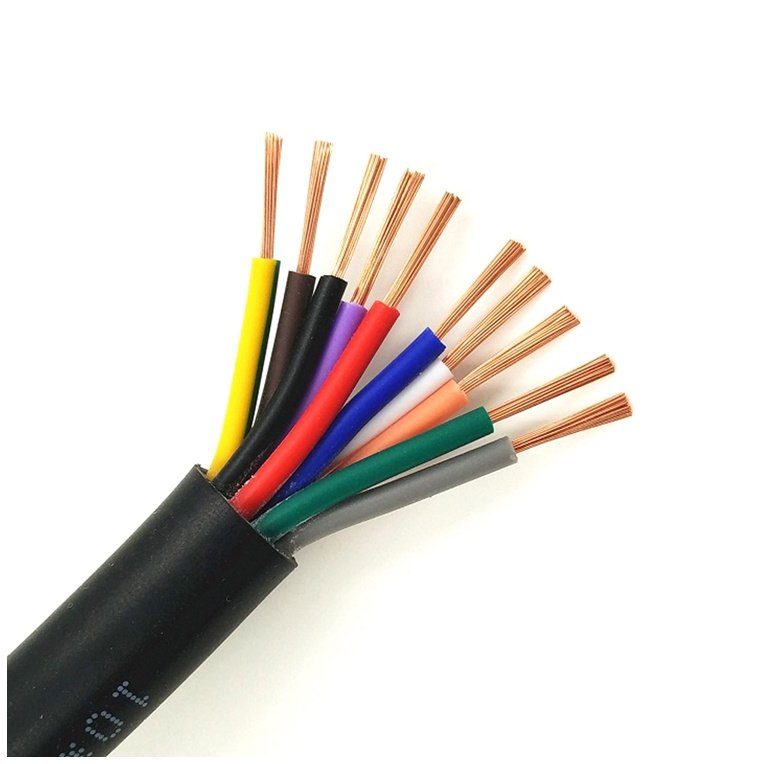
Audio and speaker cables carry analog signals between sources, amplifiers, and speakers. Speaker cable is typically a parallel two-conductor cable in 12 AWG to 18 AWG, with no shielding, because the signal levels are high enough that shielding is unnecessary. Microphone and instrument cables, in contrast, are shielded twisted pairs that carry millivolt signals over the same distances and rely on the shield to keep out hum and interference. XLR connectors dominate professional audio; quarter-inch and RCA connectors dominate consumer audio.
Honorable Mentions
Ten is a working number, but the cable world has more than ten members. DisplayPort cables, similar in purpose to HDMI but more common in computer monitors, deserve mention. Power-over-Ethernet (PoE) cables are technically Ethernet but carry meaningful current to feed cameras, phones, and access points. Thunderbolt cables, even when they use a USB-C connector, are a distinct family with stricter electrical requirements. Instrumentation cable, control cable, and tray cable each serve industrial applications that home users rarely see.
How to Use This List
When you walk into a building and see a tangle of cables, start by sorting them into power versus data. Then identify the specific cable type within that family. The jacket color, the printed legend on the jacket, the connector style at each end, and the overall thickness all give you clues. Most cables also carry voluntary or required markings: UL listing, voltage rating, conductor size, manufacturer name, and cable type designation. Reading those markings is the fastest path from “what is this thing?” to “I know exactly what I am dealing with.”
The ten types above will cover at least 95 percent of what you encounter day to day. The remaining 5 percent is specialized enough that whoever installed it should be able to tell you what it is, or it carries enough printed information on the jacket to let you look it up.